
This is useful if your school, or classroom, has multiple evaluation programmes - you may wish all students to be enrolled in one evaluation however, another evaluation only a small selection to be manually assigned.
Auto Enroll at School Level
- Goto Account Settings by selecting your name from the top right, select Account Settings from the sub menu.
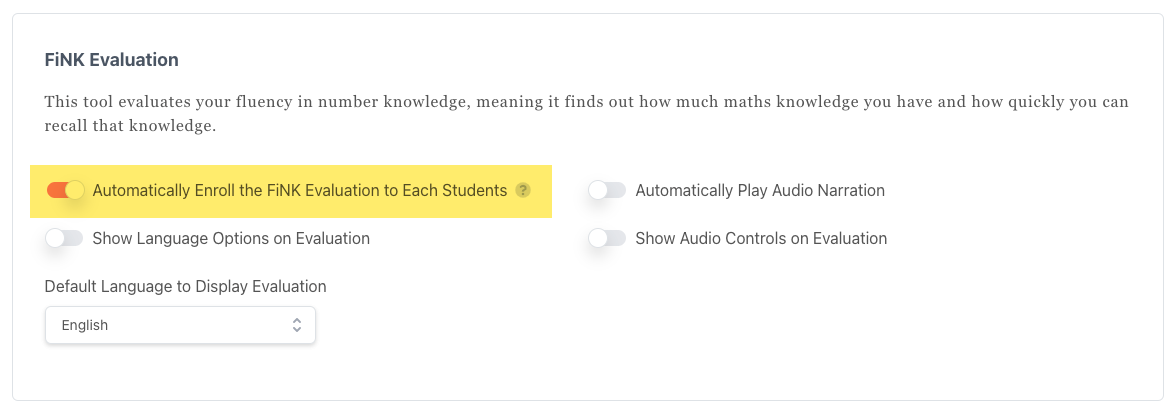
- The available evaluations will be displayed after the Billing Detail section. Each evaluation will have it's own set of settings. You can toggle 'Automatically Enroll the FiNK Evaluation to Each Student' to the on or off position.
Auto Enroll at Classroom Level
- Goto the classroom you are accessing (If you only have access to one classroom, you can skip this step)
- Goto Classroom Settings by selecting your name from the top right, select Classroom Settings from the sub menu.
- Select 'Enable Self Registration' and click save.
Note: By turning this setting off, any student that has already been enrolled into an evaluation will remain.